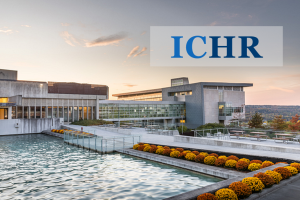
Peggy Ryan Williams Center, Garden Level
Please fax to 607-274-1670

We're here to support you through the large and small things. Check out the HR Help Desk for all your HR needs.
Browse the Knowledge Base for helpful articles about HR services and processes.
ICHR's plot in the sky - your hub for employee/manager self service, time, absence, pay, and more!
Keep up to date on all things HR through our library of newsletter, email, and Intercom announcements.
We're here to help employees stack the building blocks on their journey.
Peggy Ryan Williams Center, Garden Level
Please fax to 607-274-1670