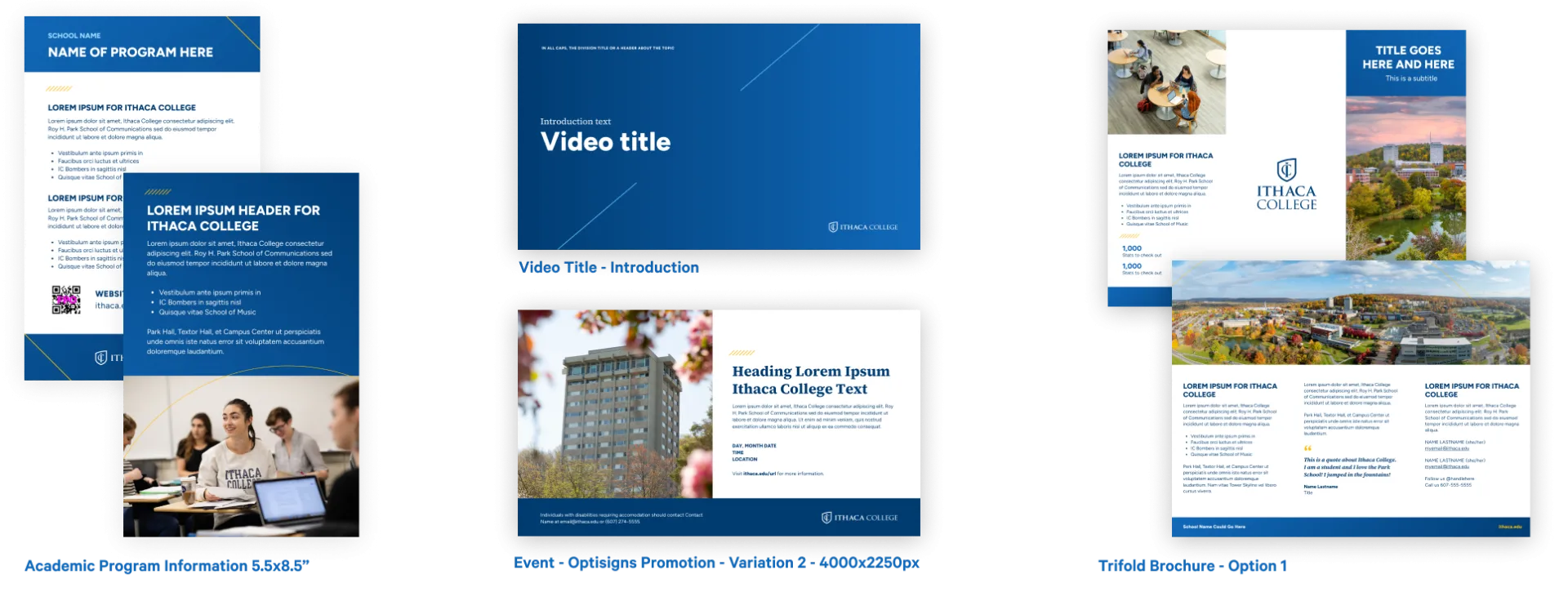
When you navigate to your Canva home page, you'll see a 'starred' folder in the left navigation called "IC Templates". You can browse this folder for all of our publicly available templates.
You can also search for templates– we have named templates based on their function. Click the homepage search bar and then choose 'brand templates' from the 'type' dropdown.
For more information about how to find our brand templates, visit https://www.canva.com/help/using-brand-templates/.
If MarCom has designed custom templates for your school, division, or department, they will be found in a separate folder titled "Unit Name Templates". To keep these folders handy, we recommend you 'star' them to keep them easily accessible in the lefthand navigation.