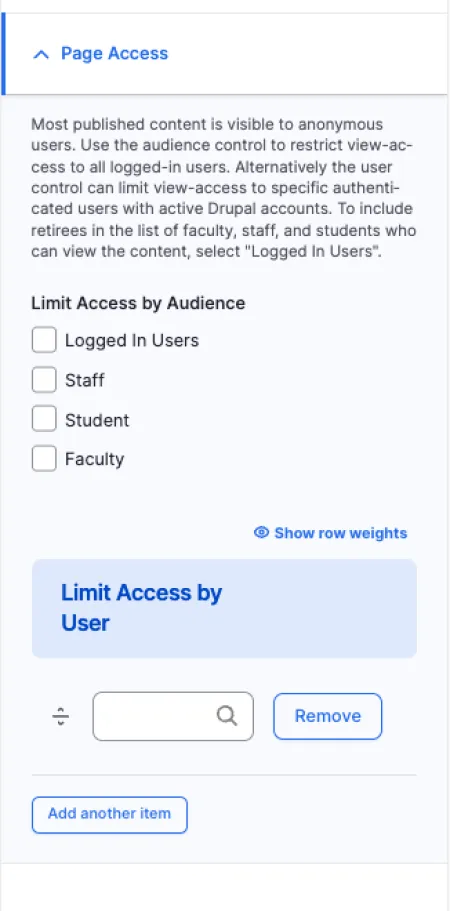
By default, all published content is visible to anyone visiting the site, including guests and visitors who are not logged in. Use access controls to restrict viewing to specific users or groups.
Understanding access levels
Anonymous users are visitors to your site who are not logged in. They have no Drupal account.
Logged-in users are anyone with an active Drupal account, including staff, faculty, students, affiliates, retirees, and guest lecturers. If you want to include retired employees in your access list, select "Logged In Users" rather than individual roles.
Specific roles (Staff, Student, Faculty) let you refine access further. Learn more about how roles are defined on the Roles & Permissions page.
Specific users let you grant access to one or more individual people by name, even if their role alone would not normally have access.