Step 1
As a signed-in user, click "My Content" from the admin toolbar at the top of the window.
Step 2
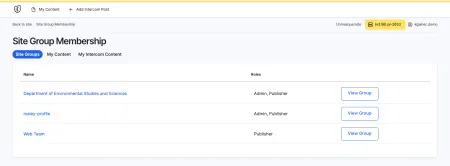
Click the "Site Groups" tab to view your site-groups.
Step 3
Locate a site-group for which you've been provisioned the Admin role. This is required to manage other site-group members. Click "View Group" next to the site-group you've identified.
Step 4
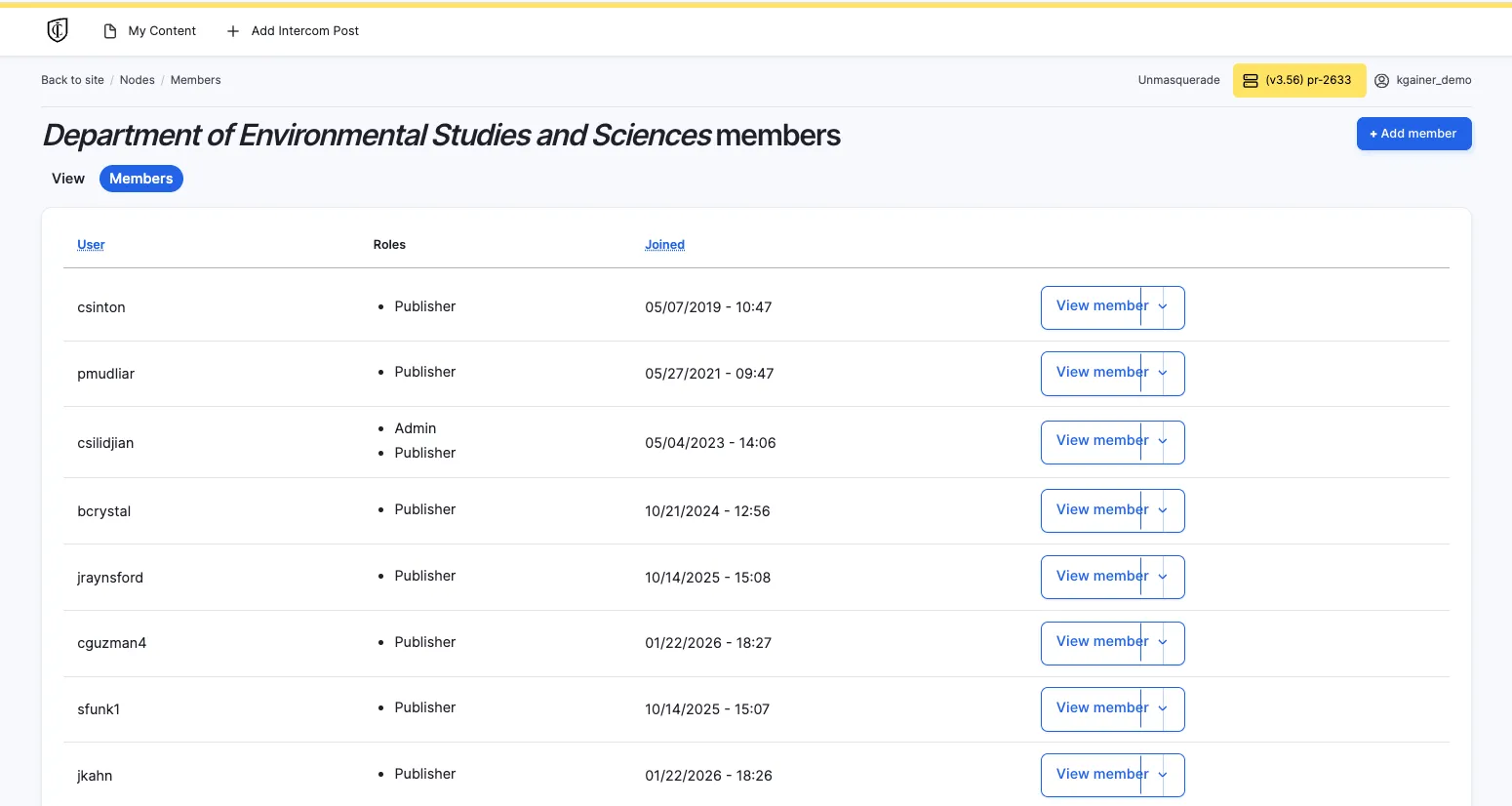
Click the "Members" tab from the site-group view.
You are viewing all members of the site-group.