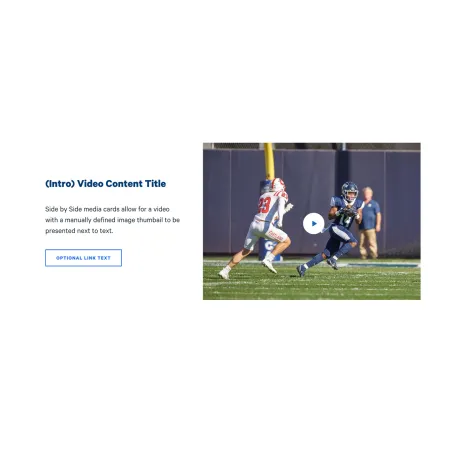
The Video Content Tile pairs a video with a short block of text, side by side, so the two read together as a single promotional unit. You choose a custom thumbnail image that shows before the user plays the video, write a short title and description next to it, and add an optional link that sends readers to a related page. It is a good way to feature one video without it taking over the whole page.
When to use a Video Content Tile
Reach for a Video Content Tile when you have one video you want to spotlight alongside a brief, focused pitch. Good use cases include:
- Featuring a program or recruitment video next to a short description and an "Apply now" link
- Promoting a recorded lecture, webinar, or event recap with a sentence of context
- Highlighting a department or campus-life video with a link to learn more
- Pairing an admissions video with a clear next step for prospective students
Avoid using a Video Content Tile when the video does not need any surrounding text or card framing. If you just want a video on its own in the flow of a page, the Media: Video Embed component is usually a better fit. If your content is image-led rather than video-led, consider the Split Media Tile or Promo Tile instead. If you want a video to open full-screen as a page banner, the Hero: Video Modal is the better choice.
How the media and text sit together
The Media Position field controls whether the video and thumbnail appear to the left or right of your text. On smaller screens, the media and text stack vertically rather than sitting side by side, so make sure your title and description still make sense when read above or below the video.